Legal intelligence platform

One legal system. Any approved AI.

The matter stays with you. The intelligence is interchangeable.

BriefState brings matters, evidence, research, drafting, citations and Counsel into one legal workspace, with the freedom to use private, sovereign or public AI as your organisation chooses.
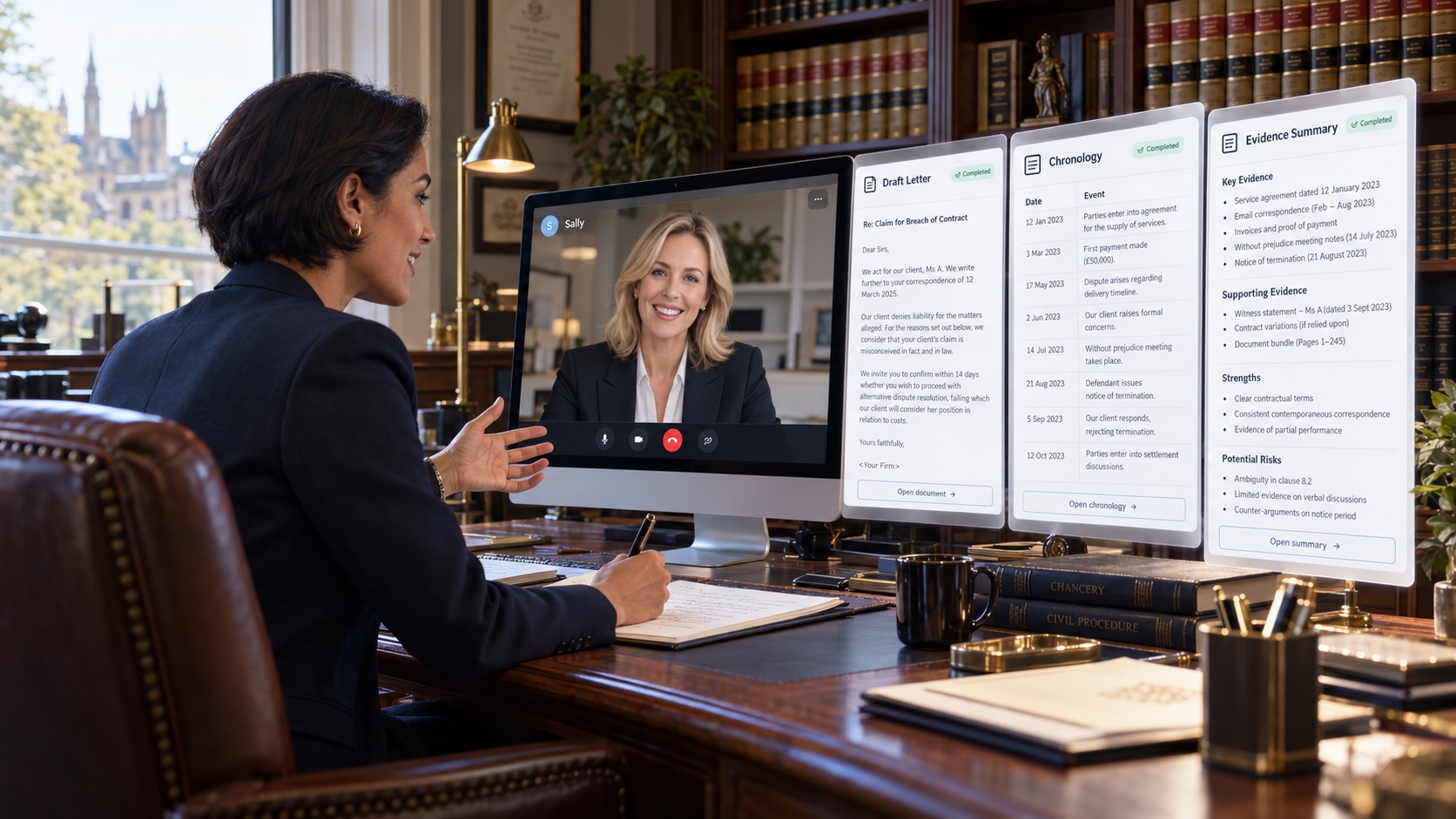
A lawyer in chambers writes on a notepad while talking to Sally, Counsel's face, on her desktop screen. Beside the screen are the draft letter, chronology and evidence summary Sally prepared.
Illustrative imagery. The matter and people shown are fictional.
Private when it must be.Keep sensitive legal work on local, organisation-controlled or approved infrastructure.
Frontier when it matters.Use leading AI models where their capability adds value and your organisation permits it.
One matter throughout.Change the intelligence underneath without losing the evidence, citations, work products or legal state above it.

The platform

Work the whole matter in one place.

Read the evidence. Find the facts. Research the law. Draft the work. Check every source. Talk it through with Counsel. BriefState is where the matter lives, not another chat window beside it.

Ingest the briefCited summaryChronologiesPeople and FactsResearchDraftingSource reviewCounselExport
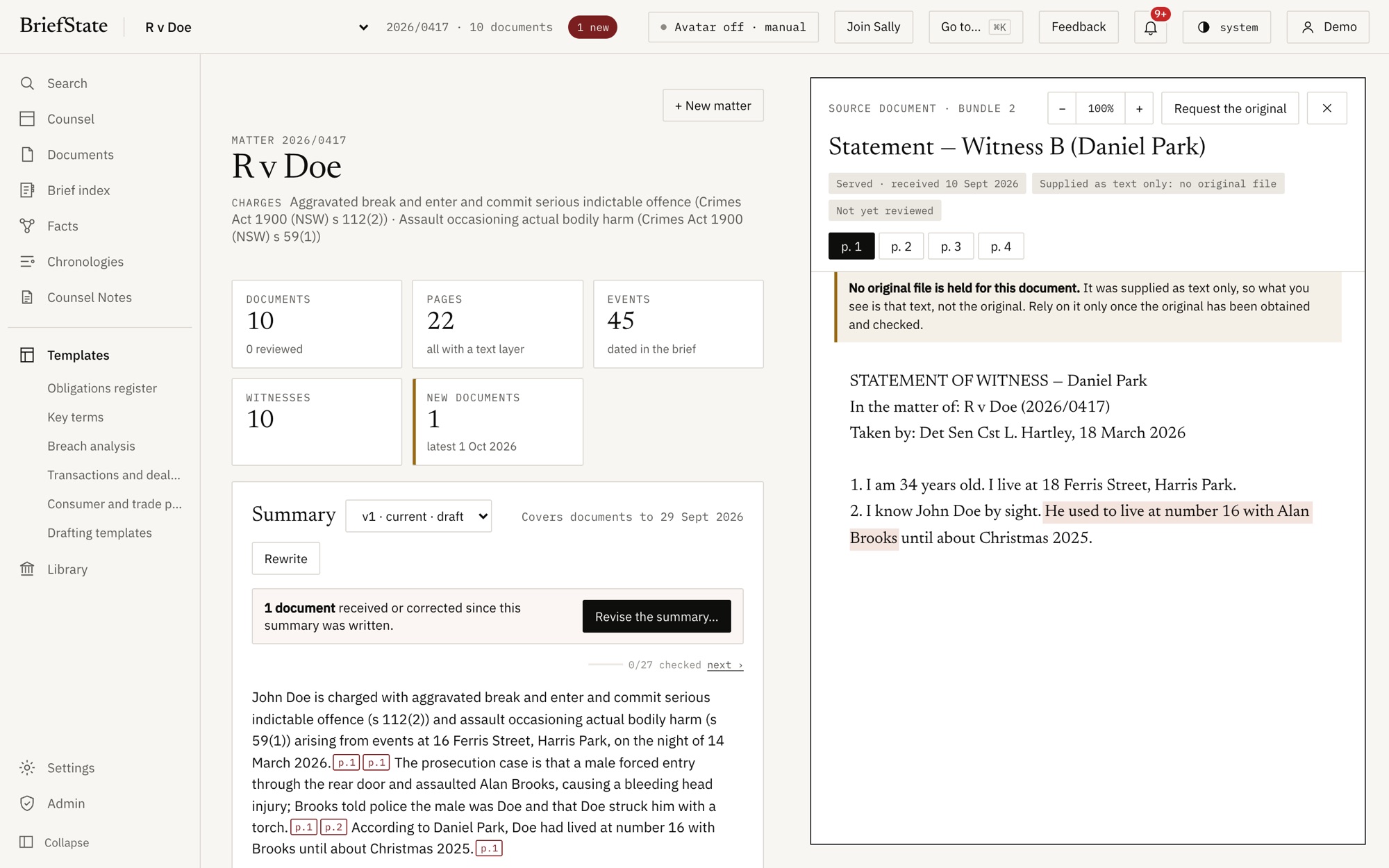
BriefState showing a matter summary with page citations beside the witness statement it cites, opened with the quoted passage highlighted.
The product, unedited: a cited matter summary with the source page open beside it. Synthetic demonstration matter.

Counsel

Meet Counsel. Your matter, in conversation.

Counsel works inside the matter rather than beside it. It understands the evidence, opens the source it relies on, finds its way through your work products, and helps you reason through the work by voice or chat. Sally is Counsel's face and voice.

A legal team in an open-plan office on a call with Sally on screen. One lawyer holds up a document; beside them are the draft letter, chronology, evidence review and key issues Sally prepared.
Illustrative imagery. The matter and people shown are fictional.
Short to hear, full on screen.Sally answers in a sentence and puts the chronology, table or passage on screen.
She opens the page.Every answer points to the document and page it came from.
She drafts with you.Chronologies, letters, summaries and submissions, built from the matter and cited throughout.
One conversation for the team.Partners, associates and paralegals can join the same call.
Voice, video or chat.Talk to Sally, see her, or type. Nothing is heard until you join.
Counsel's start screen in BriefState: Good afternoon, I'm Sally. I've read the brief. A Join Sally button, the model in use, and a note that nothing is heard or recorded until you join.
The product, unedited: Counsel's start screen on a matter.

The intelligence is powerful. The experience should still feel human.

Provenance

Every answer should lead back to the evidence.

BriefState keeps source material, citations and derived legal work connected, so lawyers can review what the AI relied on rather than accept an answer on trust.

AI can assist the work. The source remains the authority.

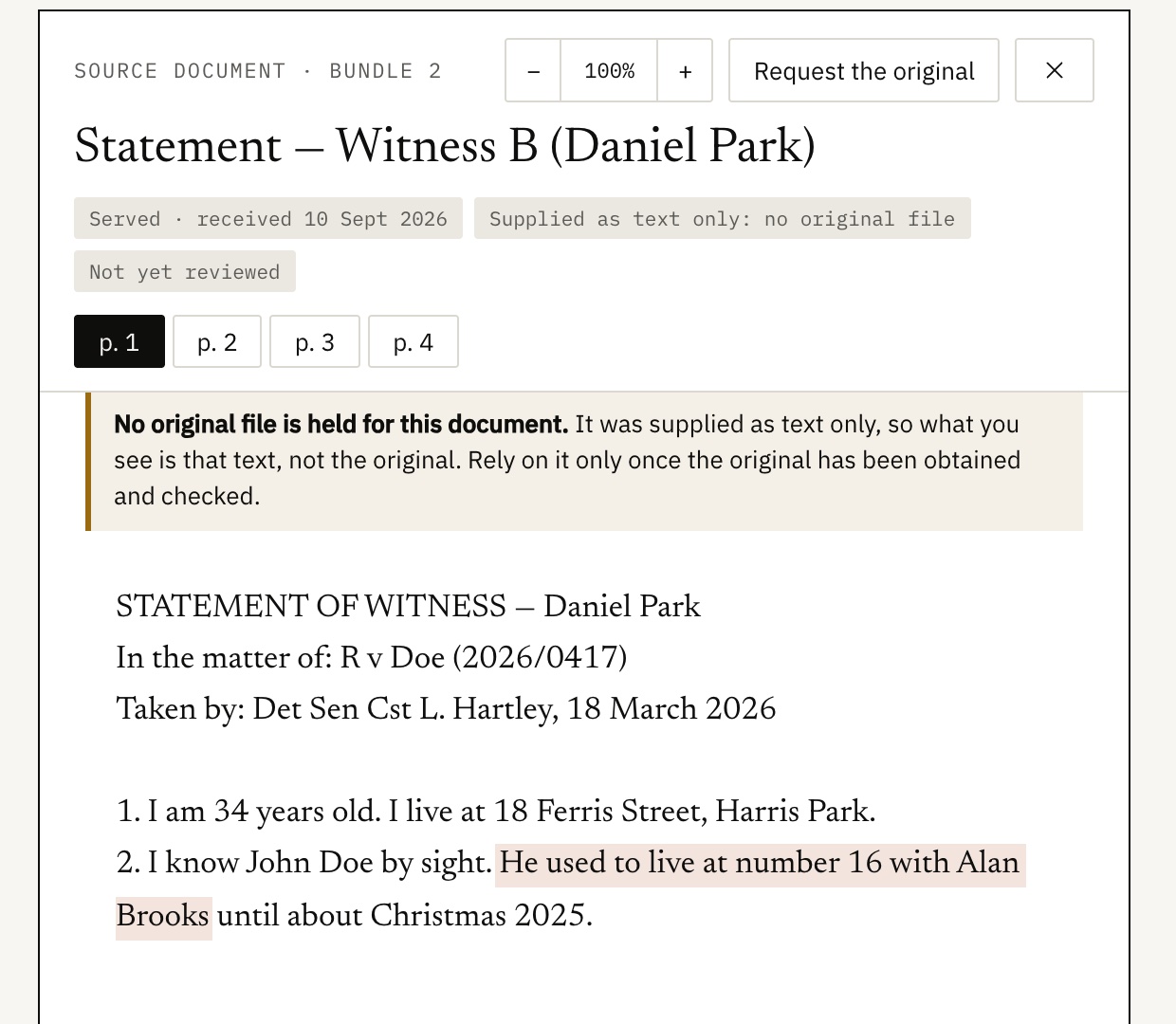
A witness statement opened from a citation with the quoted passage highlighted, and a notice that no original file is held, so the text should be relied on only once the original is checked.
The product, unedited: a citation opened at its page. BriefState also says when an original is missing.

Model independence

Intelligence changes. Your legal system shouldn't.

AI models will keep changing quickly. Your matters, evidence, legal workflows and institutional knowledge should not have to move with them. BriefState separates the legal system from the intelligence that powers it.

Models are interchangeable. The matter is not.

For organisations

Your legal work. Your AI. Your rules.

BriefState separates your legal environment from the AI provider underneath it. Your organisation decides which models and environments are available, while the matter, evidence, provenance and workflow stay together.

Approved modelsYour administrators choose which AI models your people may use.
Private, approved or publicSet a policy for the organisation and tighten it for sensitive matters. Nobody can loosen it from their own screen.
Your own environmentsConnect your organisation's Azure, or a model running on your own servers.
Choose where AI runsChoose where your organisation's AI processing may happen, and see where each service processes data.
Permissions by matterPeople see only the matters they belong to. Our staff need your approval to open one.
A record of every decisionWhich model ran, where, under which policy and why, recorded for your administrators.
A barrister addresses the court, with Sally on the laptop at the bar table and the evidence on the court's screen.
Illustrative imagery. Counsel assists the advocate; the advocate presents to the court.

Whole of legal

Built for the whole of legal.

From evidence-heavy criminal matters to commercial, regulatory and government work, BriefState gives every legal team one environment that adapts to the way it works.

ProsecutionDefenceCommercialRegulatoryGovernmentIn-house legal

Architecture

The legal platform above the models.

Most AI products make the model the centre of the system. BriefState makes the matter the centre. Models, providers and computing can change underneath while the legal state stays intact.

No lock-in

Legal AI without the lock-in.

Your legal system should not have to be rebuilt every time the leading model changes. BriefState keeps the matter and legal workflow independent of the AI provider underneath.

Claude today. Another model tomorrow. The matter stays in BriefState.

Pilot

Bring the matter. Choose the intelligence.

We are working with a small number of firms and legal teams. A pilot runs on your own matters, with your AI policy in place from the first day.

Talk to us support@briefstate.com Tell us about your team and your matters.